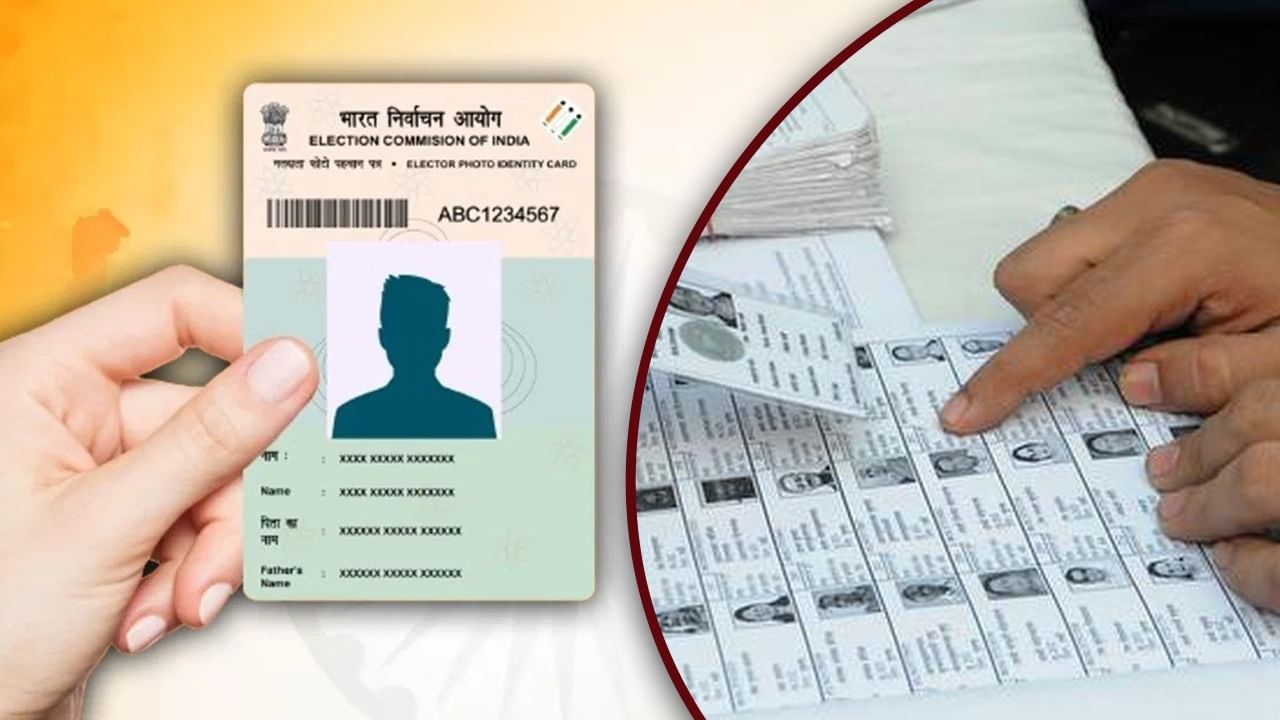

The Election Commission has recently released a draft voter list, and with the upcoming elections in Bihar slated for November 2025, voters are encouraged to check their details. Concerns about data accuracy have prompted the need for voters to verify their information in the Voter List. Checking your name, photo, and other essential details is crucial to ensure your participation in the upcoming elections.
To verify your details in the Voter List, you’ll need your Voter ID Card’s EPIC number, along with your name, date of birth, age, Assembly Constituency, and district information. Here’s a breakdown of the three online verification methods:
These are the three methods:
1. Search by EPIC:
* Visit electoralsearch.eci.gov.in.
* Choose your preferred language.
* Enter your EPIC number and state.
* Complete the captcha verification.
* Click the search button.
2. Search by Details:
* Go to electoralsearch.eci.gov.in.
* Select your state and language.
* Provide your name, father’s/husband’s name, age, date of birth, gender, Assembly constituency, and district details.
* Complete the captcha verification.
* Click the search button.
3. Search by Mobile:
* Navigate to electoralsearch.eci.gov.in.
* Select your state and language.
* Enter the mobile number registered with your voter ID.
* Complete the captcha verification.
* Click “Send OTP” to receive a one-time password.
* Enter the OTP and initiate your search.