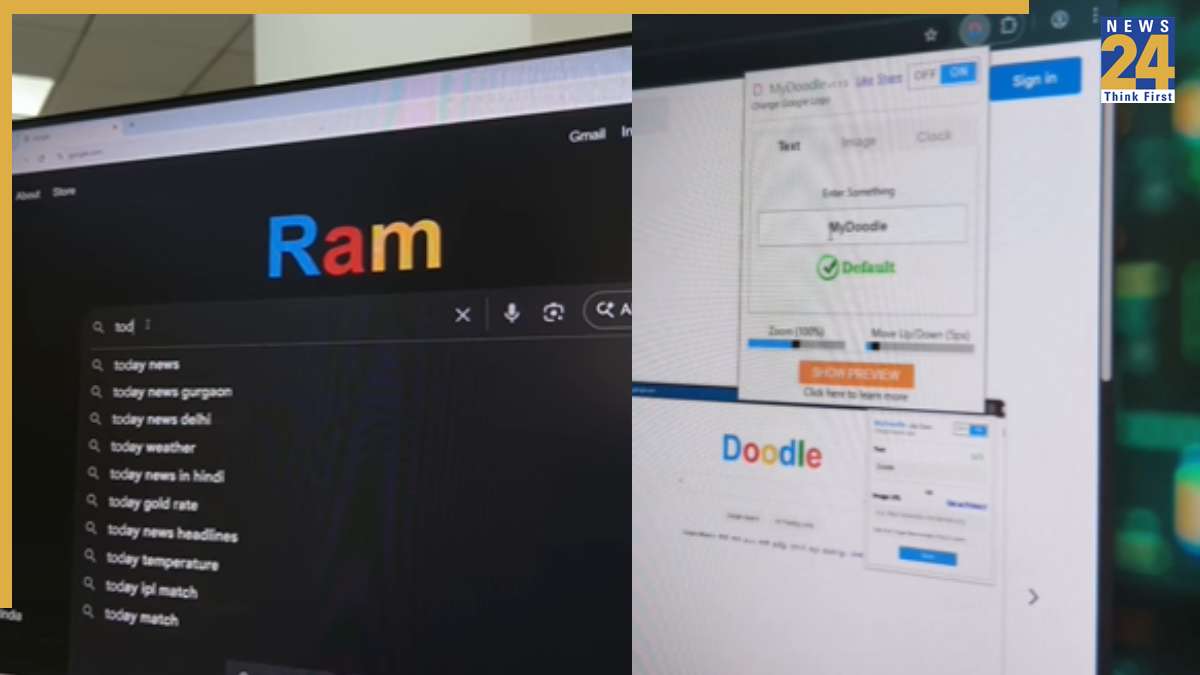

The Google logo is ever-present, but what if you could swap it out for something that’s truly yours? With a simple trick, you can transform the Google logo to show any text or image you choose. This cool customization lets you stand out and surprise others with your custom Google logo.
Here’s how to do it: Search for “My Doodle” in the Google search bar. This will lead you to an extension that you can add to your browser. Once it’s installed, go into the extension settings, type in your name or message, and customize the logo as you like. After making the changes, the Google logo will display the text you entered. You can also tweak a few other details to make it look even better. Note that this works only in Google Chrome, as the extension won’t function in other browsers.
To make your Google Chrome look even better, you can also apply Google themes, which allow you to personalize the appearance of your Chrome profile. With these themes, users can choose different colors and adjust the settings to make their Chrome profile look unique and tailored to their needs.