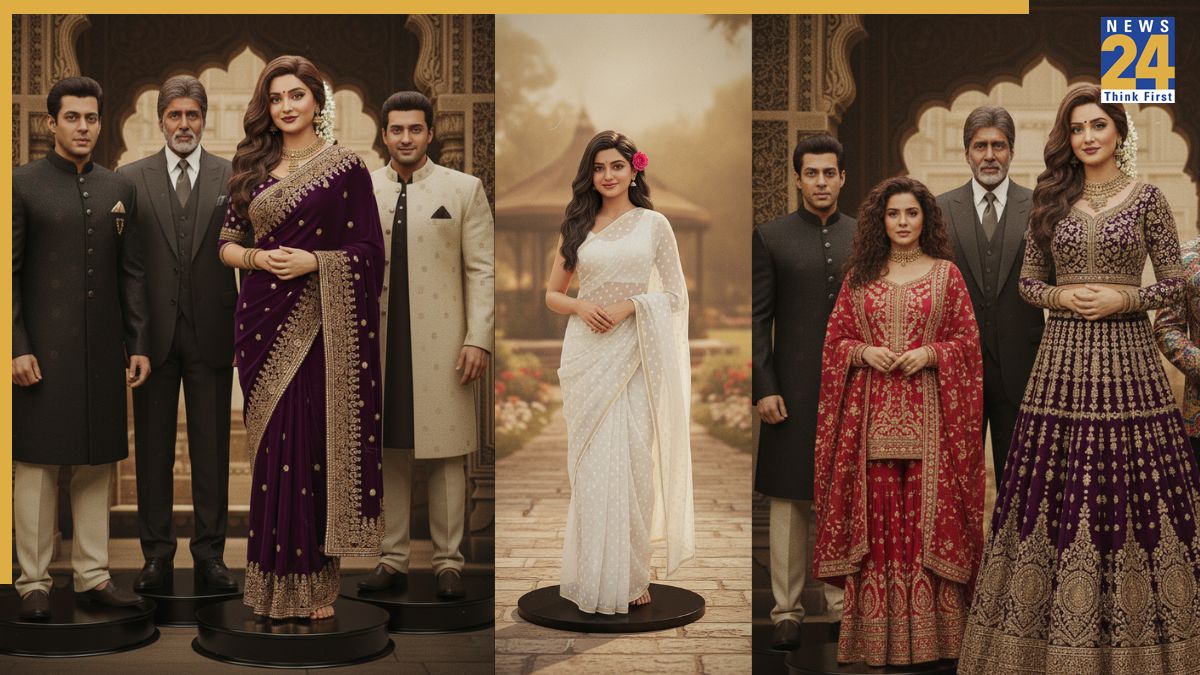

Learn how to convert your selfies into 3D figurines reminiscent of 90s Bollywood, utilizing Google’s Gemini Nano Banana AI. This guide provides a comprehensive, step-by-step process. Start by opening the Gemini 2.5 Flash Image platform using a web browser. Upload a high-quality, clear selfie to the platform. Find the ‘Gemini 2.5 Flash Image’ or ‘Nano Banana’ mode within the image editing tools. A subscription is not needed to use this tool. Use a clear, well-lit selfie, ensuring your face is fully visible and that you are alone in the photo. This avoids any group shots or heavily filtered images. Several example prompts are provided to guide users. These prompts are inspired by viral trends, especially those featuring saree edits, and designed to capture the essence of 90s Bollywood. Prompts are provided to recreate looks from movies and scenes with Madhuri Dixit, Rekha, and Juhi Chawla.