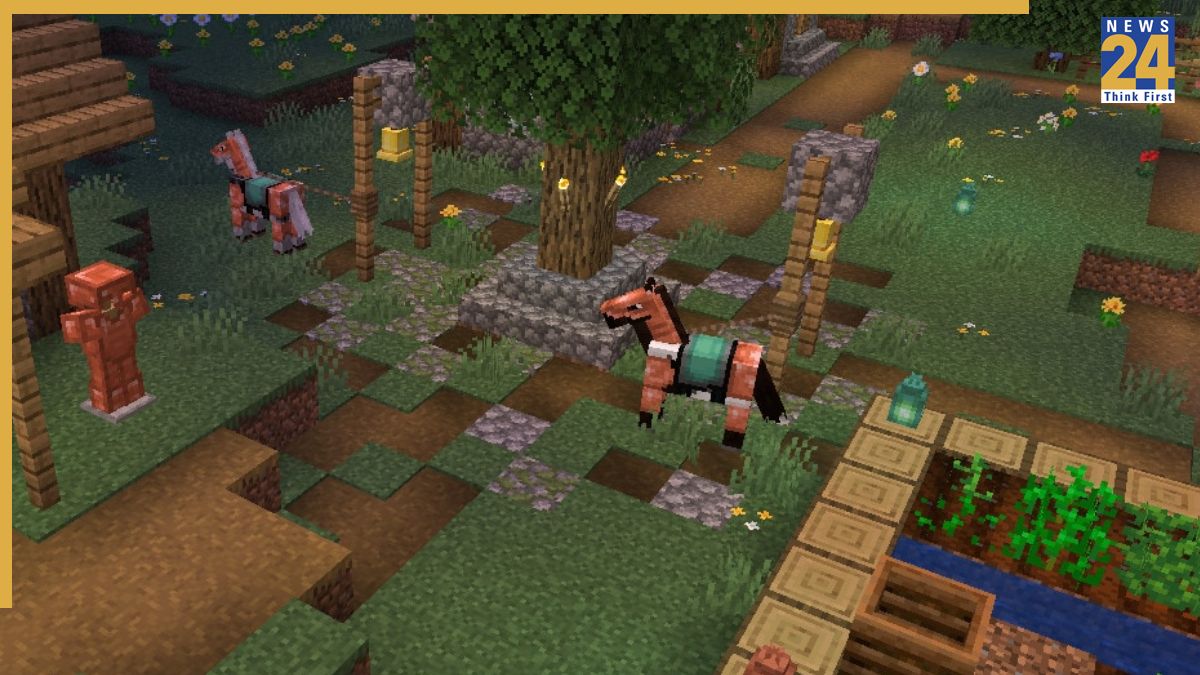

Mojang has released the Minecraft 1.21.9 The Copper Age Java Edition, a major update offering new content and features to enhance the Minecraft experience. Players are advised to download this update from official sources only to avoid risks associated with third-party downloads. This step-by-step guide will assist players in downloading and installing the new Minecraft 1.21.9 The Copper Age Java Edition.
Before proceeding with the update, confirm your Minecraft Launcher is installed and working without errors. Follow these steps:
1. Open the Minecraft Launcher.
2. Access the installations tab.
3. Enable snapshots and experimental builds; these may provide access to early or pre-release versions.
4. In the installations tab, search for the term “1.21.9 – The Copper Age.”
5. Create or select an installation using version 1.21.9 if the official release is available.
6. Click ‘Play’ after installation to run Minecraft with the updated version.
7. Back up your world before launching the updated version, as updates can potentially modify world data.