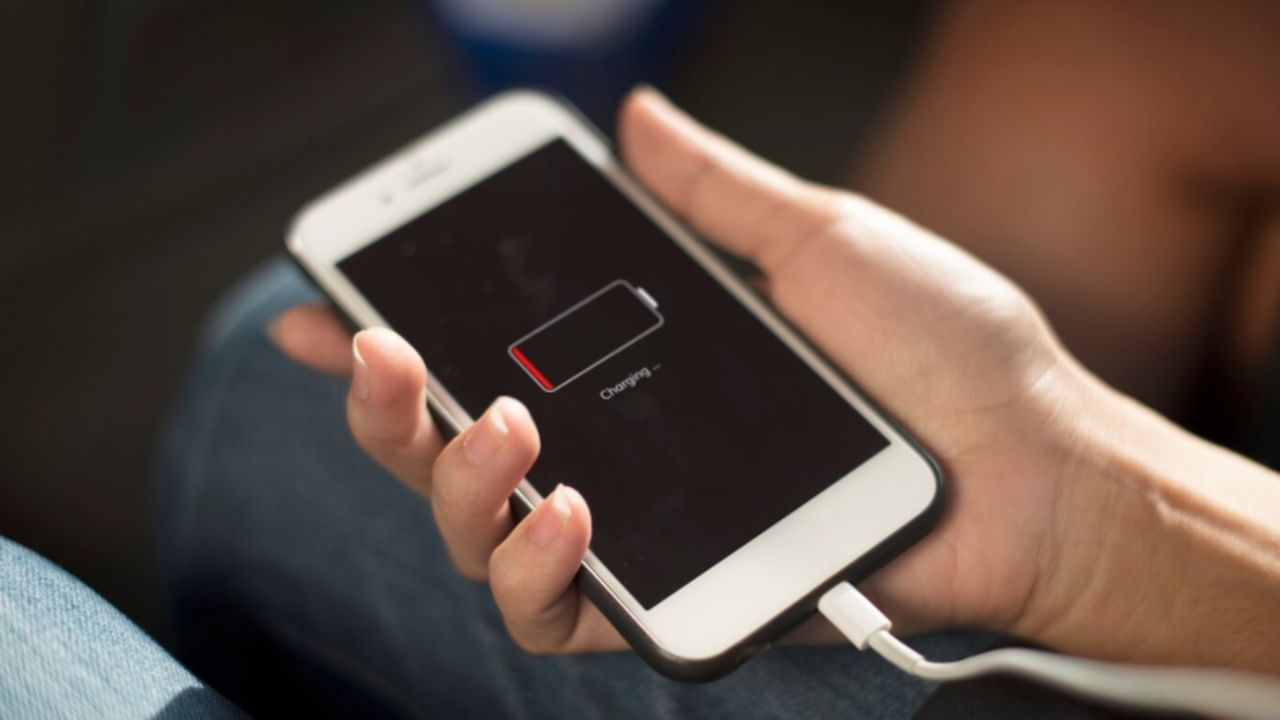

Many smartphone users face the challenge of quickly depleting battery life. Modern smartphones may struggle to last a full day on a single charge. However, specific settings adjustments can significantly extend battery performance.
Begin by disabling the Always-On Display. This feature, which displays information even when the phone is locked, consumes battery. Disable it by going to settings, then to display or lock screen settings, and toggling off the Always-On Display option.
Enable Dark Mode to reduce screen brightness and conserve battery. Activate this in display settings, under theme options.
Set the screen brightness to a moderate level or use auto-brightness. Adjust the sleep time (the duration before the screen turns off automatically) to a shorter interval.
Android phones offer an Adaptive Battery feature that optimizes performance to conserve battery. To enable it, go to settings, tap on battery, and switch on the Adaptive Battery in the adaptive preference section.
Employ Battery Saver Mode, which controls background app activity and balances performance to maximize battery life. Some phones include an ‘Extreme Battery Saver’ mode.