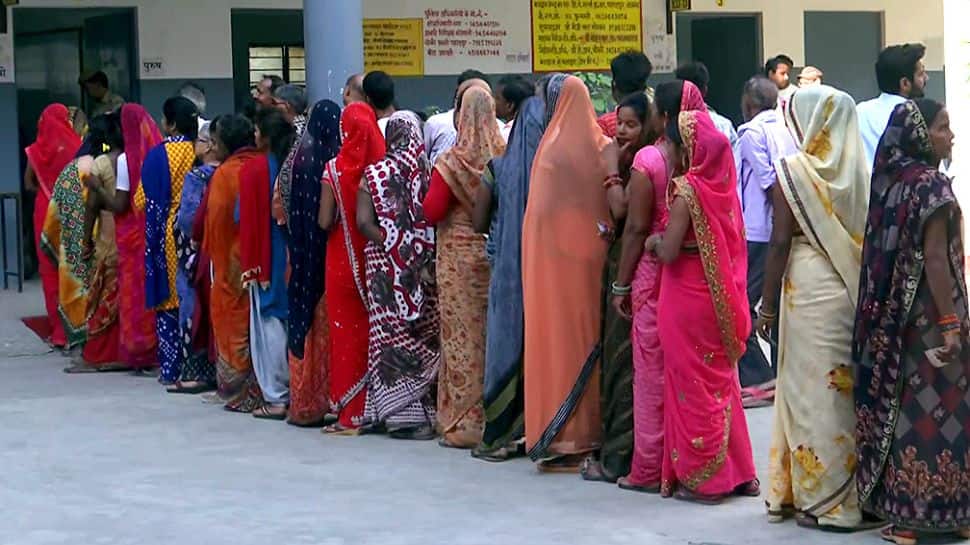
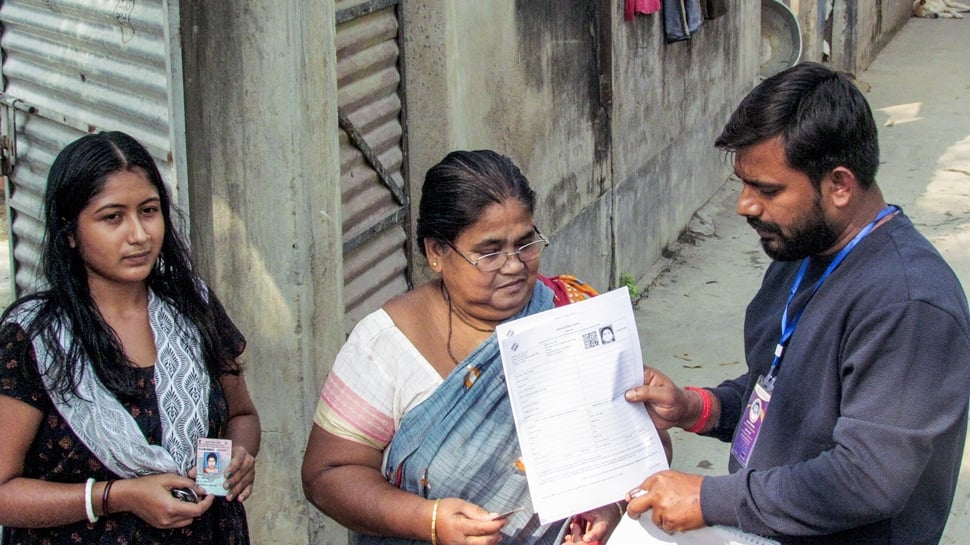
While the dates for the 2025 Bihar elections are not yet announced, preparations are underway for the anticipated November election. Two key documents are needed to vote: a voter ID card and a voter slip. Voter slips are usually sent to voters’ homes before the election, but if you haven’t received yours, there’s an easy online solution. This guide explains how to download your voter slip from the comfort of your home.
To download your voter slip, go to the Election Commission of India’s official website: https://voters.eci.gov.in. On the homepage, find and click on the ‘E-EPIC Download’ option, located on the right side of the screen. You’ll be asked to enter the mobile number connected to your voter ID. Input the number, fill in the captcha, and click ‘Login’.
After clicking ‘Login’, you’ll receive an OTP on your registered mobile. Use this OTP to log in. Once logged in, enter your voter ID card number. After entering your voter ID card number and searching, you will need to verify your details via ‘Send OTP’.
After entering the OTP and verifying your details, the option to download your voter slip will appear. Click the download option. You can then print the downloaded slip and take it with you when you vote.
A voter information slip is a document provided by the Election Commission before the election. It includes your name, age, assembly constituency, and polling station details such as the room number, location, time, and date.