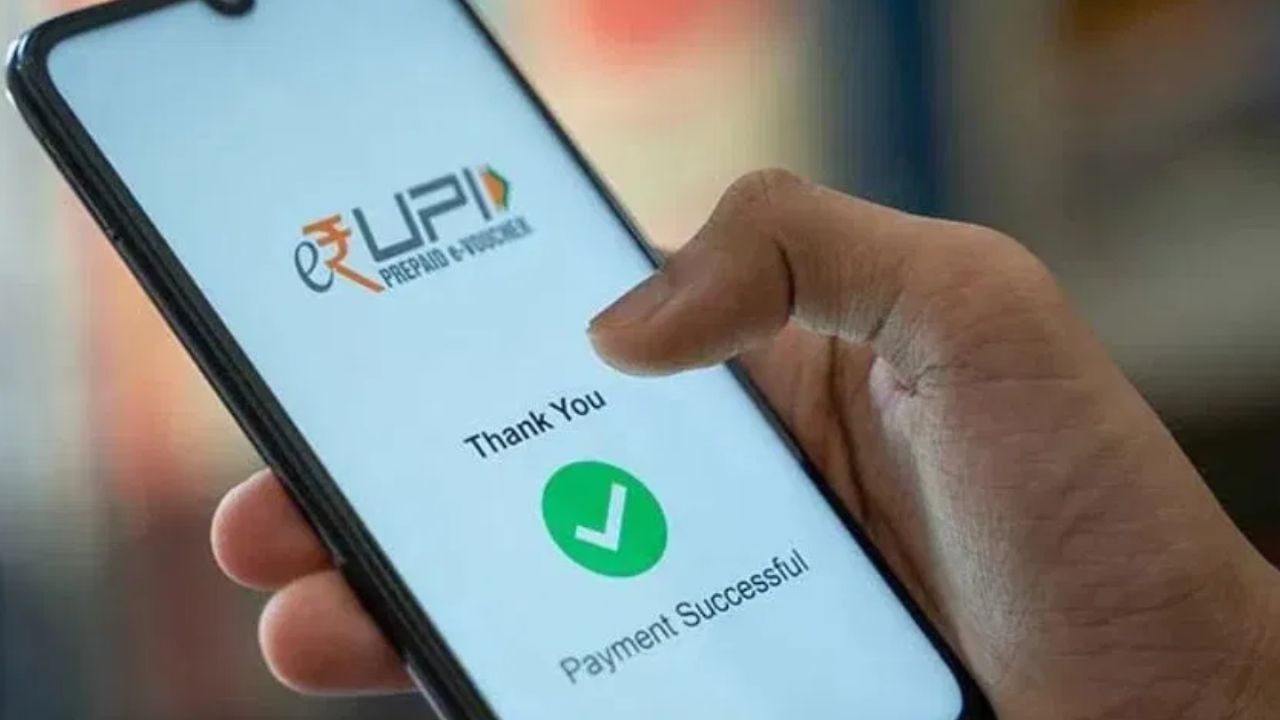

UPI payments offer ease, but errors are possible. When a payment goes astray, people often seek ways to recover their funds. This guide offers a simple approach.
Begin by checking your transaction details within your UPI app (Google Pay, PhonePe, Paytm, BHIM UPI). Review the transaction history to identify the destination account and note the transaction ID or UTR number. Then, contact the customer support of your UPI app. Look for the help or customer support option, and report the erroneous transaction, providing the transaction ID. The app’s team will then work with the recipient’s bank to attempt a recovery.
If the app’s efforts are unsuccessful, contact your bank branch or customer care immediately. Provide your transaction ID and the transaction date. Your bank will then communicate with the recipient’s bank, requesting a payment reversal.
If you are unable to resolve the issue with the app or the bank, you may also file a complaint through the NPCI (National Payments Corporation of India) website. For large transactions, consider reporting the incident to the local police cybercrime cell, including payment screenshots, transaction ID, and app information. Police and bank authorities can then collaborate to recover the funds.
Preventing such mistakes is crucial. Always verify account numbers and mobile numbers before sending money. When using QR codes, double-check the receiver’s name. When you realize a mistake, act promptly, as delays can make recovery more difficult.