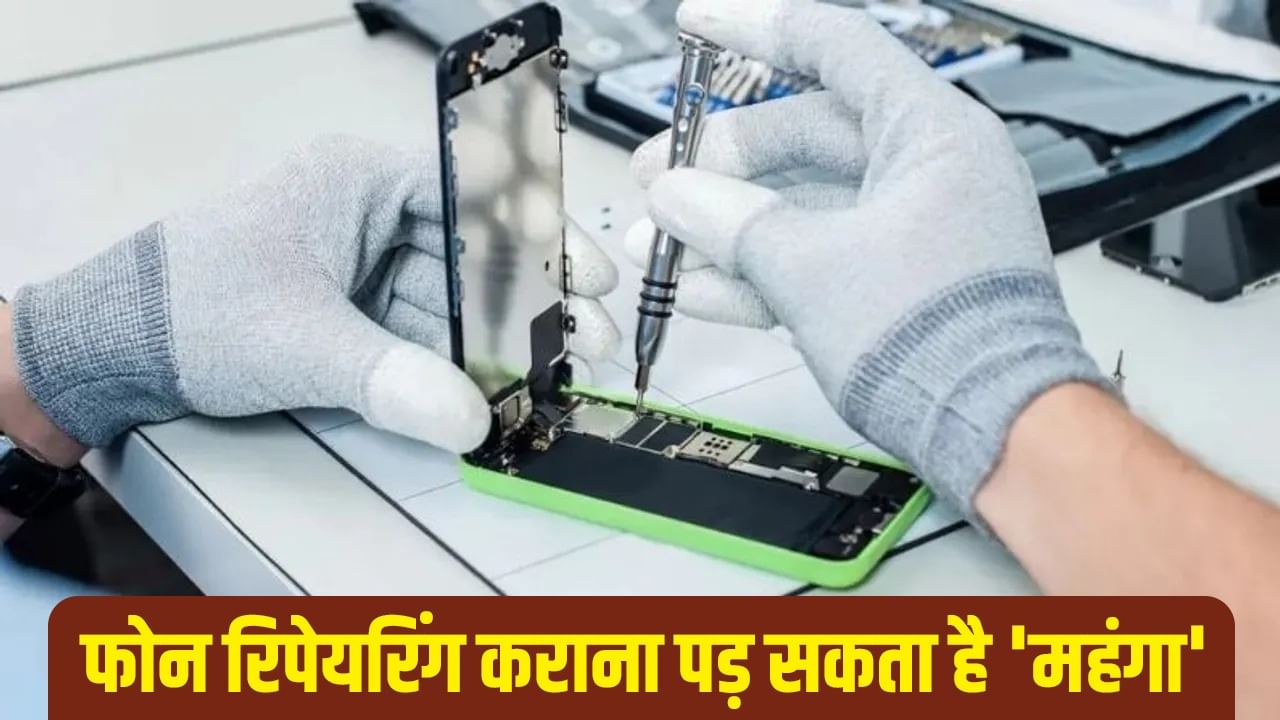

When a phone breaks, many people bring it to a repair center. However, mistakes made during this process can cause problems. A woman in Kolkata recently reported that her private videos were leaked by a repair shop.
This situation could happen to anyone. It is essential to take precautions before sending your phone for repair.
**Utilize Smartphone’s Built-in Features**
Before repair, take these essential steps. Most smartphones have built-in features to protect against unauthorized access. Samsung and OnePlus have a ‘Maintenance mode,’ while Apple iPhones have a ‘Repair state.’ Google Pixel phones use ‘Repair mode.’ Access these modes in your phone’s settings. You can also search for the feature’s name in the settings.
Remember, this only works if your phone still functions.
* **Back up and Reset:** Back up your data to the cloud or your computer, or factory reset your phone before sending it for repair.
* **Remove SIM and Memory Card:** Make sure you remove the SIM and memory cards.
* **Use Secure Folders:** Most phones have the feature to lock and hide private files and photos; make use of them.