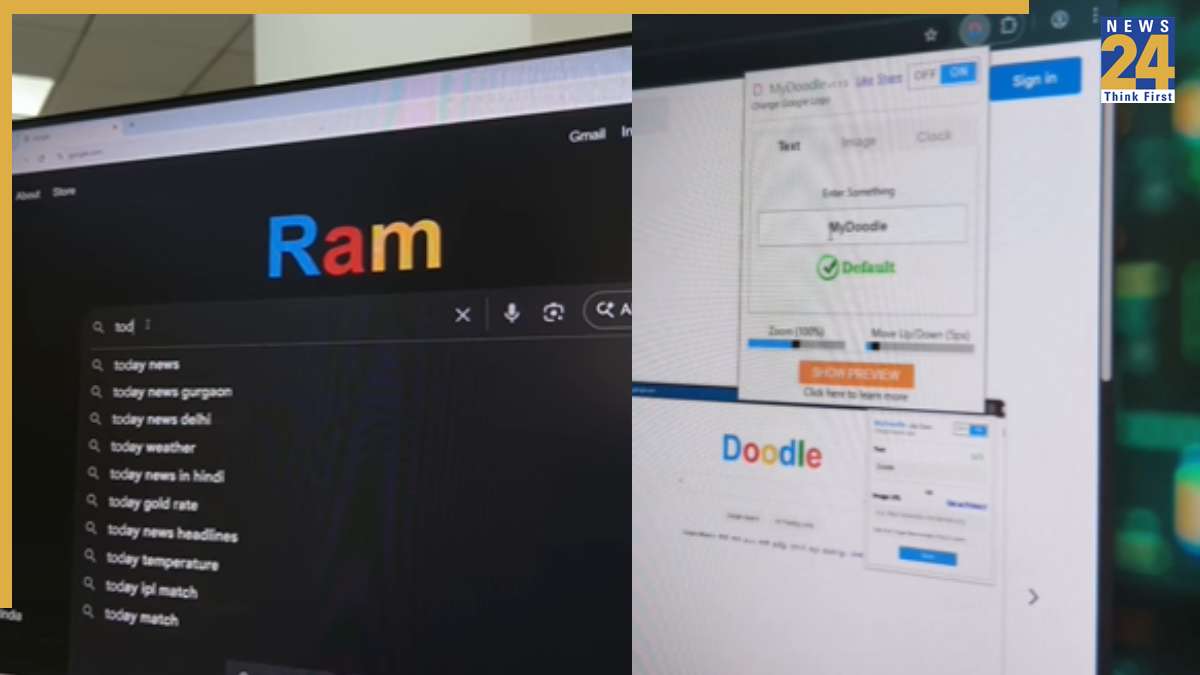

Want to make your Google Chrome experience unique? This guide reveals a simple method to customize the default Google logo. The trick involves replacing the standard logo with any custom text or design. To implement this, start by searching for “My Doodle” in the Google search bar. This search leads to an extension that can be added to your browser. Once installed, open the extension settings and enter your preferred text, and then customize the logo. Following these adjustments, the Google logo will showcase the entered text. Please remember that this modification is specific to Google Chrome and won’t work on other browsers. In addition to the logo customization, Chrome users can further personalize their experience by using Google themes, which provide a variety of color schemes and settings to tailor the Chrome profile and enhance user experience.