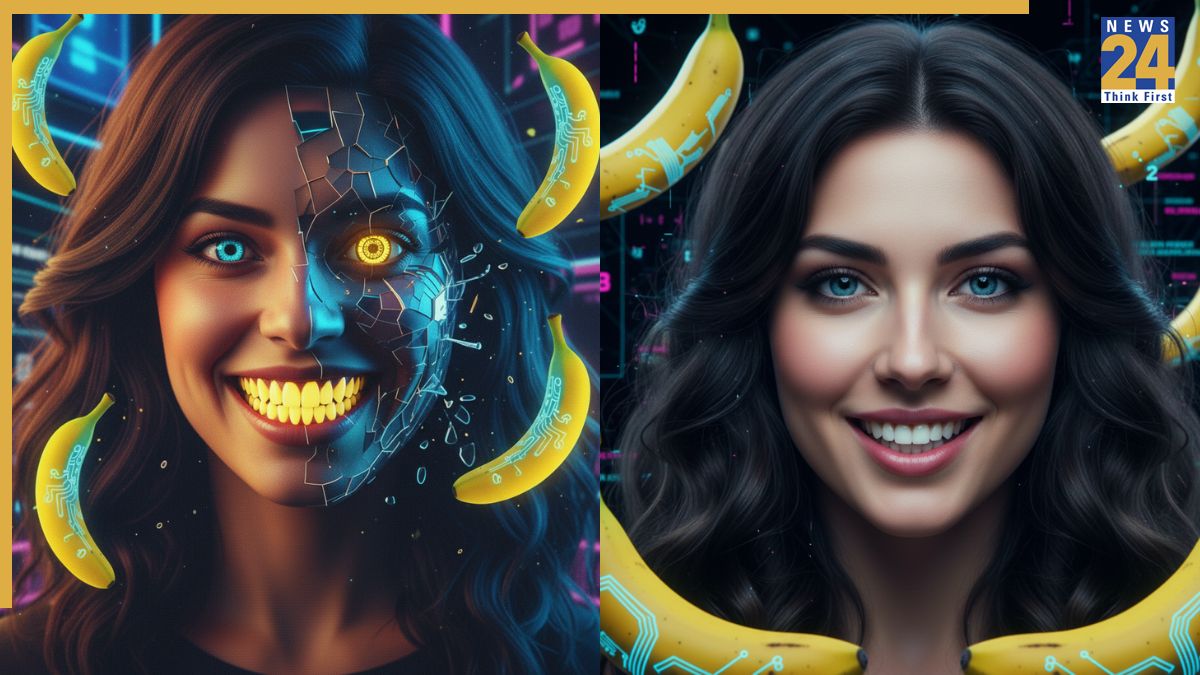

The Google Gemini Nano Banana AI photo editing tool has garnered significant attention following its recent release, with users leveraging its capabilities to create diverse visual outputs. These creations, ranging from realistic 3D figurines to stylized vintage saree looks, are being widely shared across social media platforms. While the tool holds the potential to transform ordinary selfies into visually compelling images, it’s essential to understand that the quality of the output is directly influenced by the prompts used. Poorly crafted prompts can lead to unsatisfactory results, including mismatches in backgrounds and distortions in facial features. Here’s a guide to the common errors to avoid for optimal results.
1. Avoid using low-resolution or group photos. The AI struggles to isolate a single person in cluttered or unclear images. Prioritize clear, solo photos where the face is fully visible for the best results.
2. Avoid complex prompts. Overloading the Nano Banana AI with excessive details can confuse the system. For superior results, keep your prompts concise, utilizing only a few clear, specific instructions.
3. Avoid using vague prompts, like “make me look like a Bollywood actress.” Instead, include details for desired results, such as the specific fabric, color palette, background elements, and lighting styles.
4. Prioritize facial consistency by adding instructions, such as “keep the same facial features,” to prevent alterations to the original face shape.
5. Do not neglect the background, particularly for themed styles like Bollywood-inspired looks. When needed, specify a dramatic or matching backdrop.
To use the tool, open the Gemini 2.5 Flash Image (Nano Banana) portal via your web browser or your Gemini app. Click “Try Nano Banana,” add an image, and input your prompt.